Software
Matbox 20
Digital photo mat for iOS.
Photo mats belong in galleries, not just on walls. Matbox 20 takes the concept of a physical photo mat — the border around a framed print — and makes it digital. Pick a photo from your library, choose an aspect ratio, dial in the mat width, and export a print-ready image at 2400px. Multi-photo freeform canvases and spread exports turn single images into Instagram-ready carousel posts.
The Editor
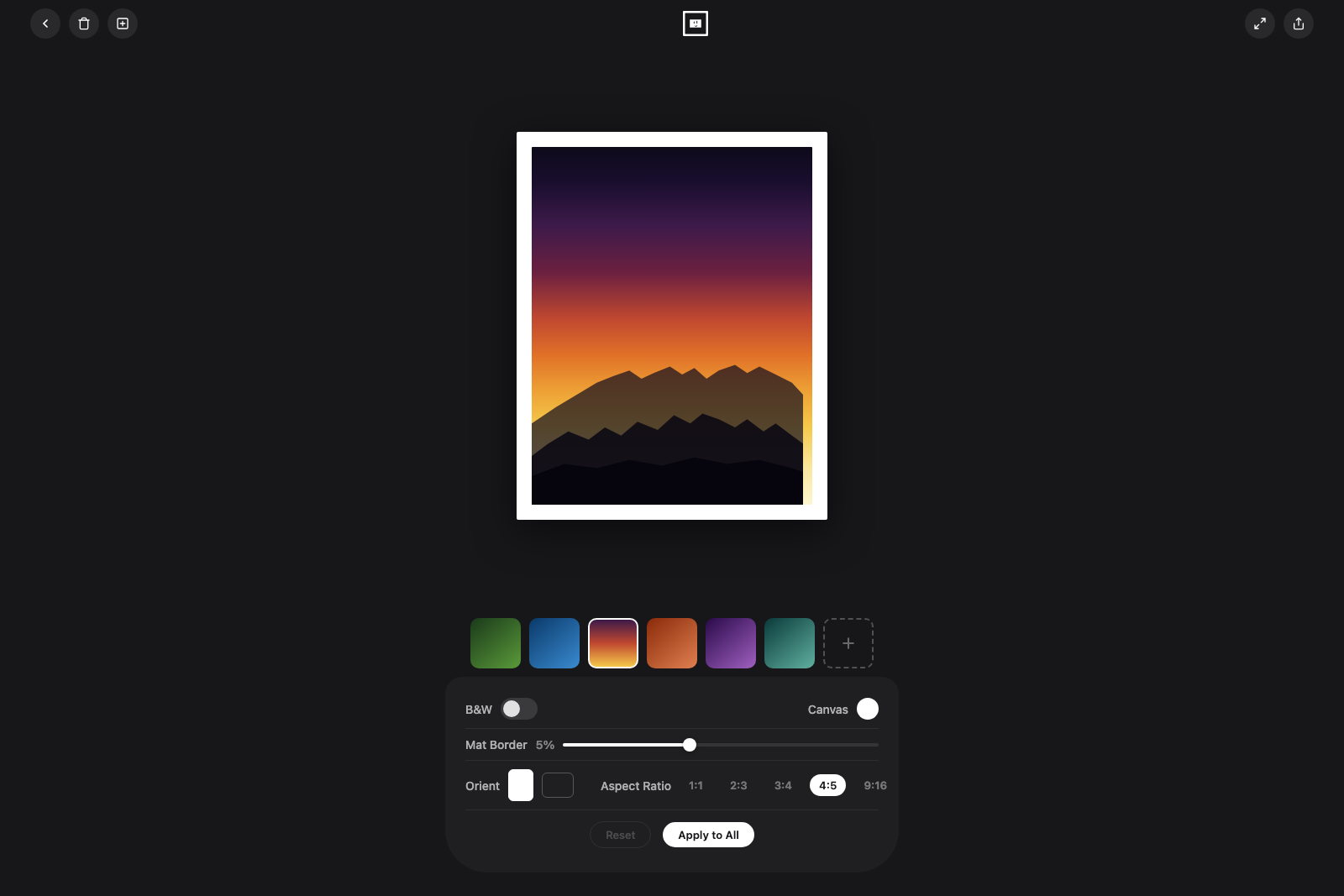
Seven aspect ratios from 1:1 to 9:16, portrait or landscape orientation, mat width from 0 to 40%, any canvas color, and a B&W toggle — all with instant visual feedback on a live preview.
Interactive — try the controls
Spread Export
Create 2-wide or 3-wide spreads where a single photo spans across multiple panels. Each panel exports as its own image — swipe through them as an Instagram carousel and the photo flows seamlessly from slide to slide.
One photo spans the full spread, exported as individual carousel slides
Multi-Photo Canvas
Place multiple photos on a single canvas. Drag to position, pinch to scale, and manage layer order with gestures — double-tap brings forward, triple-tap sends back.
Click photos to select, then reorder layers
Sessions
Save and restore editing sessions with all photos, settings, and layout intact. Each session generates a collage thumbnail for quick identification.
Native iOS
Built entirely in SwiftUI with no third-party dependencies. File-based session persistence, 35 unit tests, and simultaneous gesture recognition for fluid multi-touch interactions.